


Description
Shops Doing ECU Work Choose the RLINK J2534 for Consistent Pass Thru Performance
Trying to do OEM programming with a cheap pass thru can be a headache, random dropouts, driver problems, and that “why won’t it connect” loop when you’re on the clock. The TOPDON RLINKJ2534 is built to fix that pain by giving shops a stable J2534 pass thru device that’s compliant with J2534 and D-PDU, and ready for modern networks with CAN-FD and DoIP support. Instead of gambling on sketchy adapters, you get a dependable OEM pass thru adapter that’s designed for real ECU work where consistency matters. It connects to your PC with a USB Type-C wired interface, which helps keep communication steady during programming. And because it’s made for Windows-based OEM software, it fits the way most shops already work.
If you’ve ever had programming fail halfway through, you know stability is everything. This J2534 pass thru tool is built for safe ECU coding and programming workflows by keeping the connection wired and predictable, with clear status feedback via its 3 LED indicators. It supports an input voltage range of 9V to 18V, and packs a capable controller, ARM Cortex-M33 32-bit, with FLASH 512KB and SRAM 256KB for reliable operation. It’s also compact at 4.51 x 2 x 1.14 inches and just 90 g (3.17 oz), so it’s easy to move bay to bay without clutter. Note that OE software is not included, you’ll use your own OEM subscriptions just like you would at a dealer.
For shops expanding into OEM-level work, the real key is having a repeatable process, plus the right setup and subscriptions. That’s why pairing your interface with proper training and a consistent workflow matters, including understanding OEM subscriptions, laptop requirements, security access, and TSB guidance. Your J2534 programming training topics like these are exactly what reduce failures and comebacks.
Looking for another option? Browse all our ECU Programming & Pass-Thru Tools now.

Benefits of the TOPDON RLINKJ2534 Diagnostic/Programming Pass-Thru Tool
Fewer connection dropouts | More reliable OEM sessions
Faster modern vehicle comms | CAN-FD, DoIP ready
Cleaner driver installs | Less setup frustration
Safer ECU programming | Stable wired communication
Broader shop coverage | One interface, many OEMs
Quicker bay to bay use | Compact and lightweight
Key Features of the RLINKJ2534 Diagnostic and Programming Pass-Thru Tool You’ll Love:
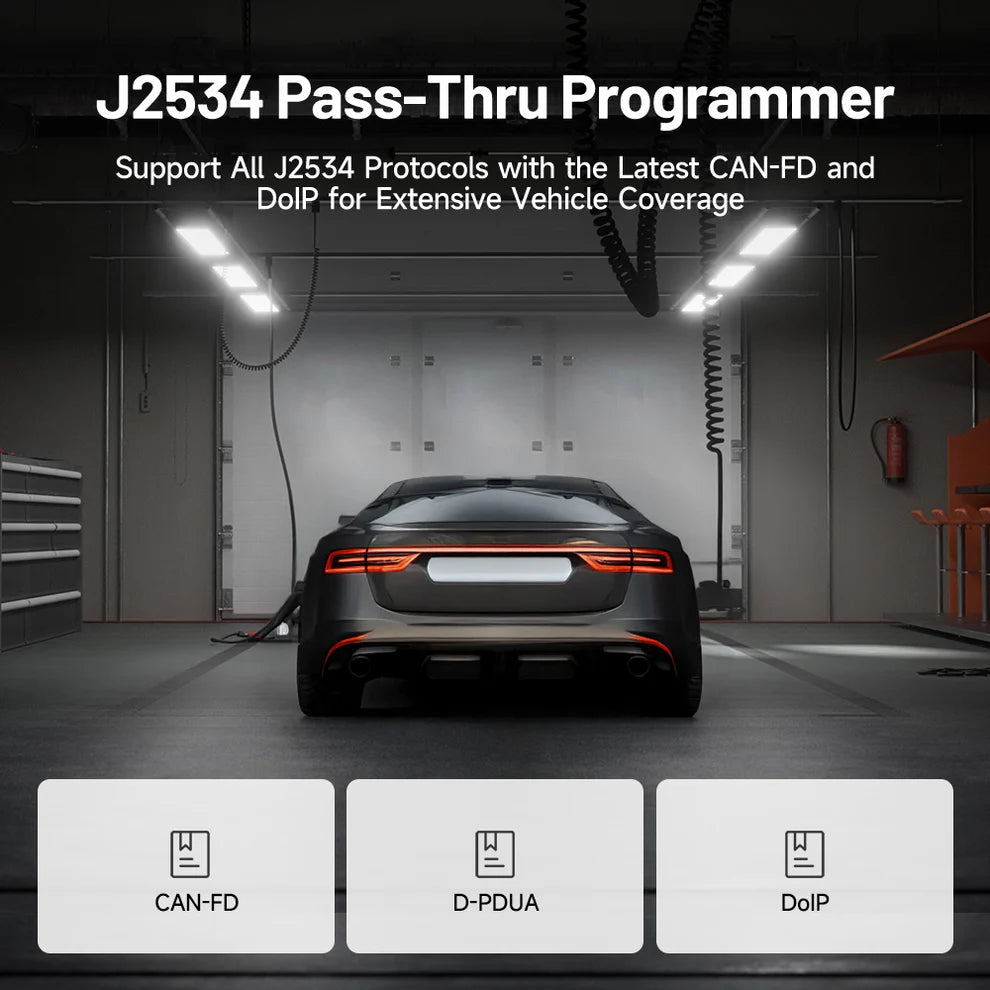
- Full J2534 Compliance for Modern Vehicle Networks: The RLink J2534 is fully J2534 compliant and supports D-PDU, so it can communicate the way OEM software expects. That matters because a lot of connection problems come from partial compatibility, not the vehicle. With CAN-FD and DoIP support built in, it’s also ready for newer platforms where older adapters start to struggle.
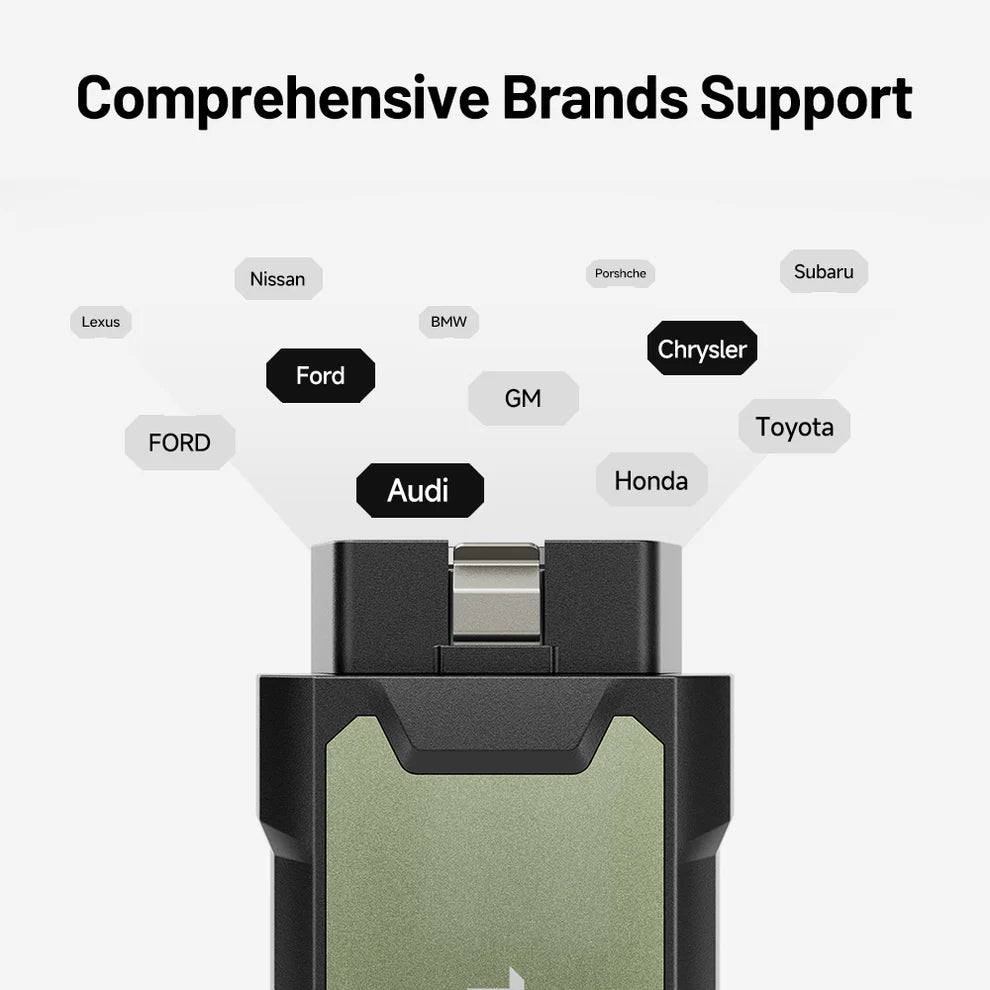
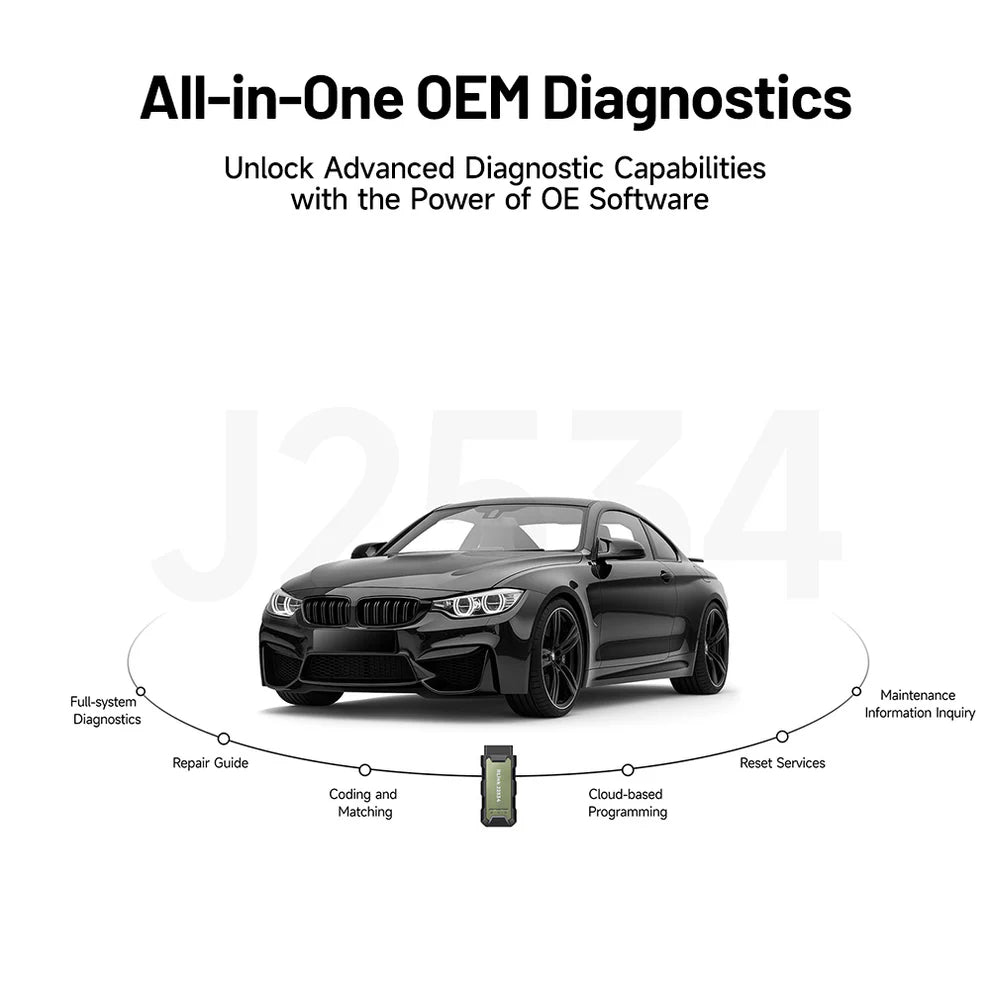
- Broad OEM Coverage for Real Shop Work: This professional scan tool setup supports OEM-purchased J2534 software across many major brands, so you’re not stuck buying separate hardware per make. That means one interface can help you cover domestic, Asian, and European vehicles more efficiently. When you’re running multiple jobs a day, fewer tool swaps equals faster throughput.
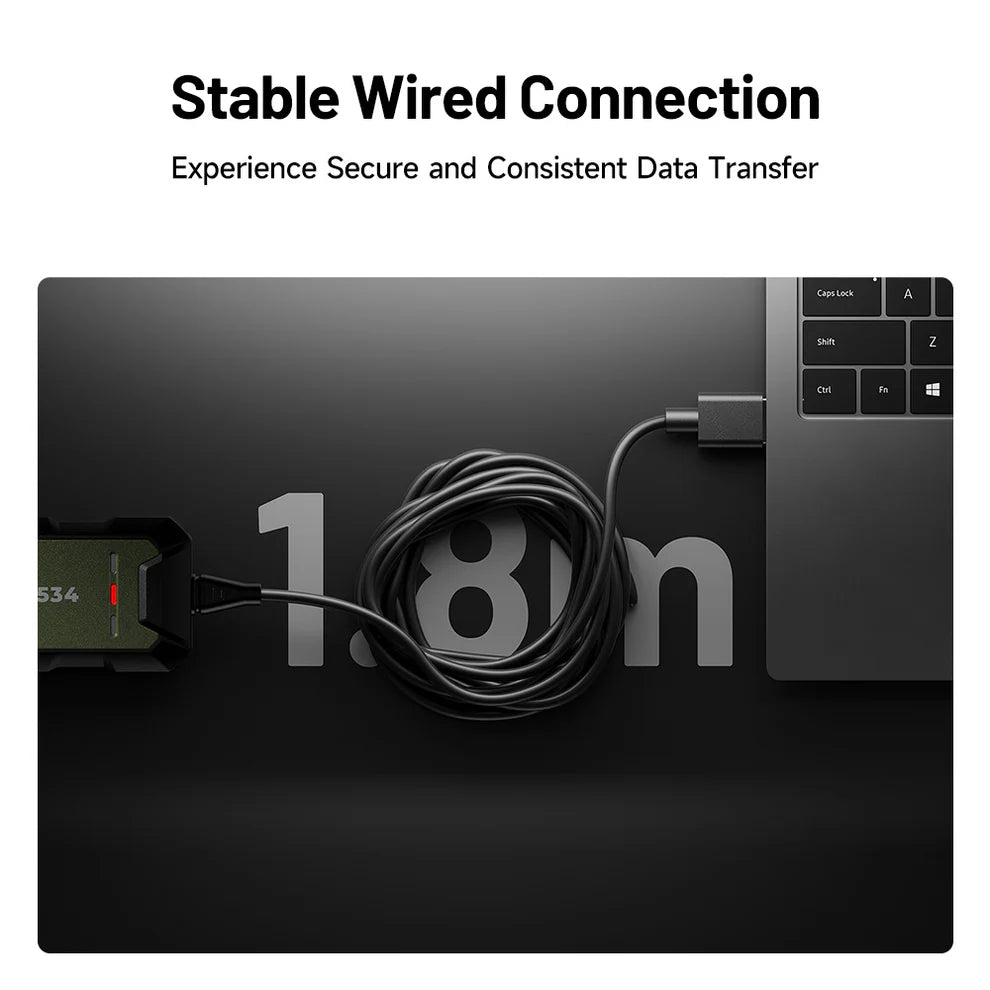
- Stable Wired Communication for Safer ECU Programming: For programming and coding, wired communication is still the safer move because it reduces interference and unexpected disconnects. The USB Type-C connection helps keep data transfer steady during sensitive operations like reflashes or module replacement. This is the kind of stability you want when the vehicle absolutely cannot lose communication mid-process.
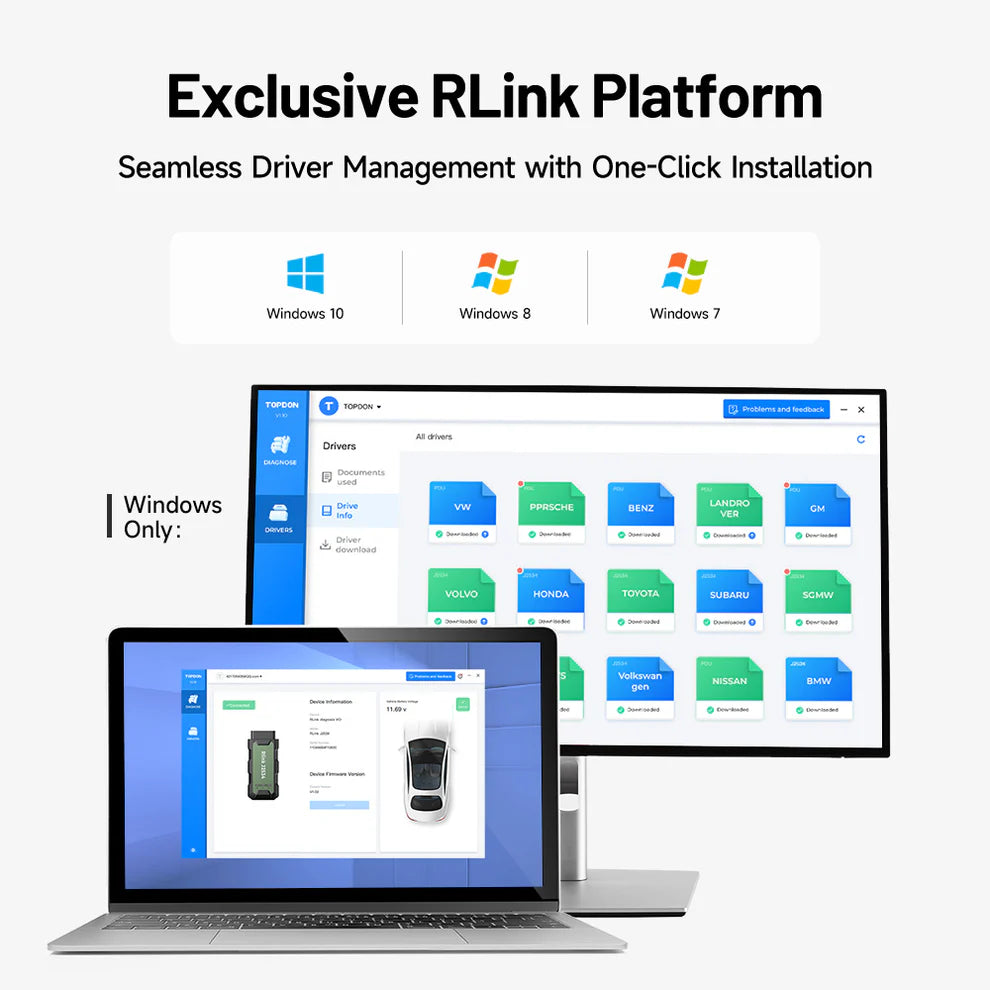
- Streamlined Driver Management Through the RLink Platform: Driver issues are one of the most common reasons a J2534 interface “doesn’t work,” even when the hardware is fine. The RLink Platform is designed to simplify driver management so techs can get set up faster and avoid mismatched installs. Less time troubleshooting drivers means more time actually completing billable programming jobs.
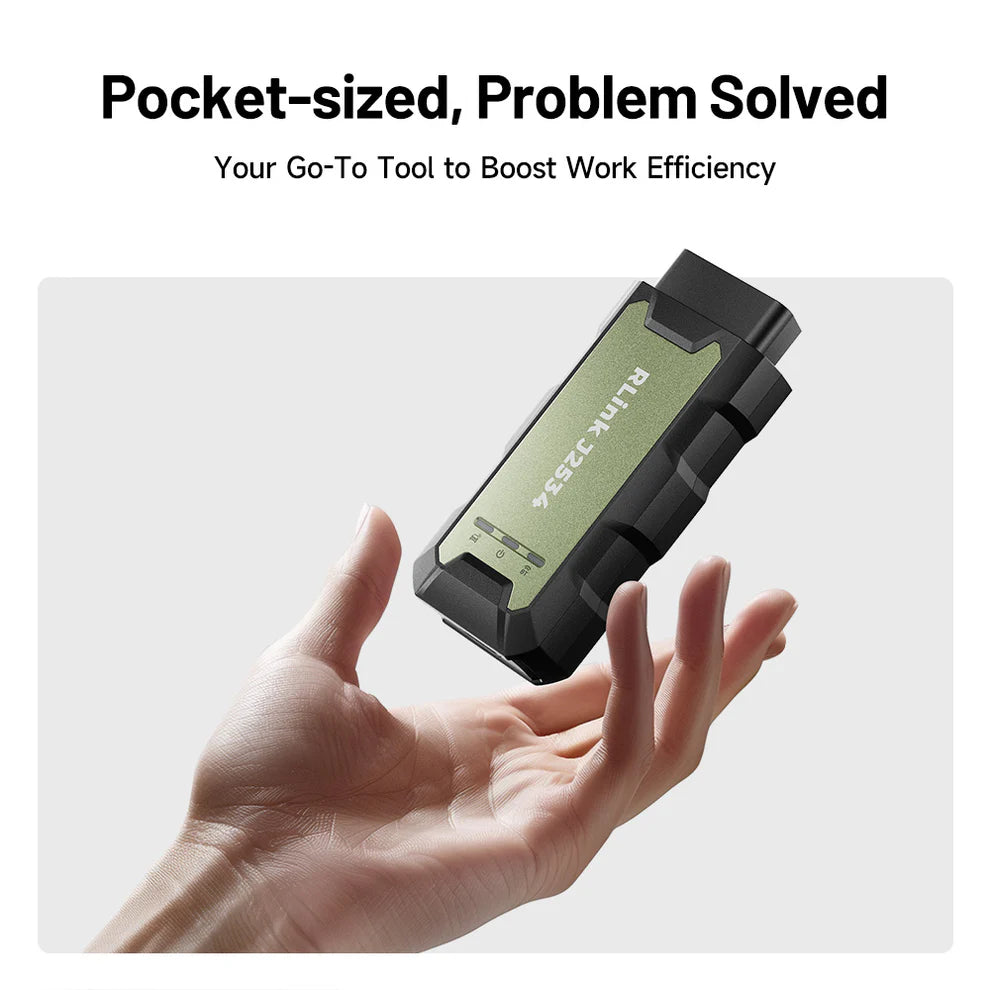
- Compact, Lightweight Hardware That’s Easy to Deploy: At 90 g with a small footprint, it’s easy to keep this vehicle pass thru device in your programming kit without adding bulk. That makes it practical for tight footwells and busy bays where space disappears fast. You can move it between vehicles quickly, which keeps your workflow smooth.

TOPDON RLINKJ2534 Diagnostic and Programming Pass-Thru Tool Specifications |
|
|---|---|
| Manufacturer | TOPDON |
| Product Type | OEM programming interface, J2534 pass thru diagnostic tool |
| Compliance | J2534, D-PDU |
| Network Support | CAN-FD, DoIP |
| CPU | ARM Cortex-M33 32 Bit |
| Storage | FLASH 512KB, SRAM 256KB |
| Input Voltage Range | 9V to 18V |
| Wired Interface (PC) | USB Type-C |
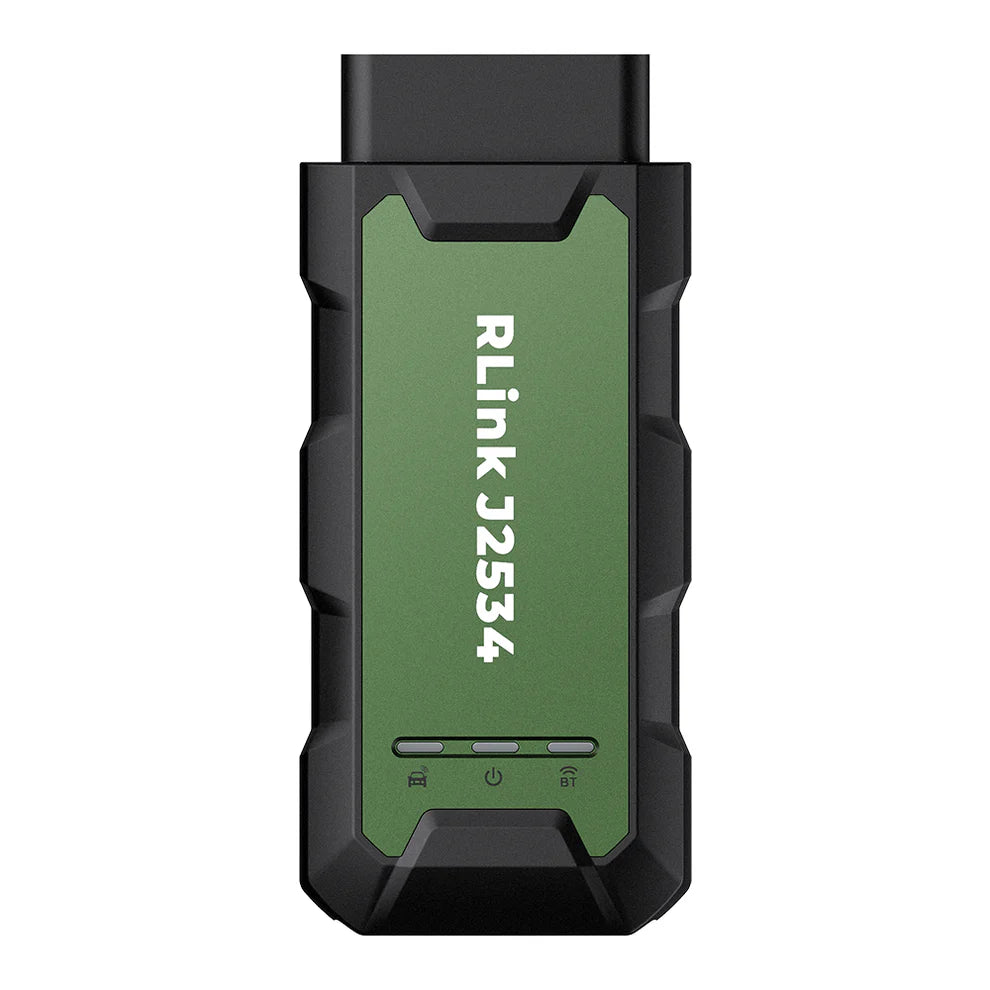
| Indicators | 3 LED indicators: Power, Bluetooth, Communication |
| Weight | 90 g (3.17 oz) |
| Dimensions | 4.51 x 2 x 1.14 inches |
| Windows Compatibility | Windows 7 (64-bit), Windows 8 (64-bit), Windows 10 (64-bit), Windows 11 (64-bit) |
| Driver Management Platform | RLink Platform |
| Local Diagnostics (OEM Compatibility) | Ford (Forscan), Ford (FDRS/FJDS, does not support FEPS programming), Toyota (Techstream TIS, GTS+), HONDA (HDS, i-HDS), GM (GDS2/TLC/SPS, DPS), GM (Tech2win), Subaru (SSM4), Nissan (CONSULT-III Plus R2R/NERS), Chrysler (witech2), VW/AUDI (ODIS-S, ODIS-E), VOLVO (VIDA2014), JAGUAR/LANDROVER (SDD) |
| What’s in the Box | RLink J2534, 0.38 m / 1.2 ft OBDII Extension Cable, 2.0 m / 6.6 ft USB 2.0 Cable, Quick User Guide |
| Warranty | 1 Year Warranty |
Reviews
There are no reviews yet.